Printable To Do List (Free PDF)
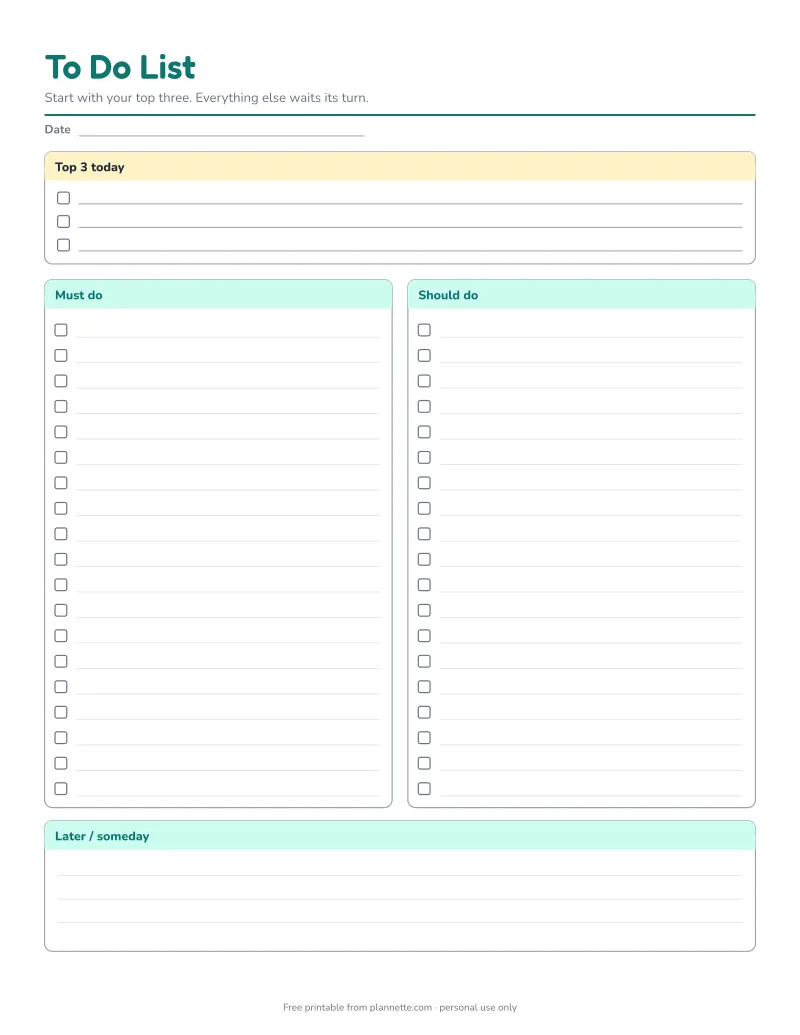
Not all tasks are equal, and this to-do list makes that visible. Start with your top three, sort the rest into "must do" and "should do", and park everything else under "later". One page, plenty of lines, nothing you do not need.
Free printable · no sign-up
How to use the to-do list
- Brain dump. Write every task on your mind onto a scrap of paper.
- Pick your top three and write them in the yellow box.
- Sort the rest: “must do” for deadlines and commitments, “should do” for useful but flexible tasks.
- Move non-urgent ideas to “later / someday”.
- Tick tasks off as you finish them, and start with the top three.
A quick way to prioritize
| Urgent | Not urgent | |
|---|---|---|
| Important | Top 3, do today | Should do, schedule it |
| Not important | Must do if quick, or delegate | Later / someday, or drop it |
This simple grid, often called the Eisenhower matrix, is what the sections on the page are based on.
Tips for a list you actually finish
- Start each task with a verb: “call”, “pay”, “email”, “buy”.
- Break big tasks down. “Plan holiday” becomes “compare three flights”.
- Do two-minute tasks right away instead of writing them down.
- Celebrate the ticks. A list with crossed-off tasks is motivating.
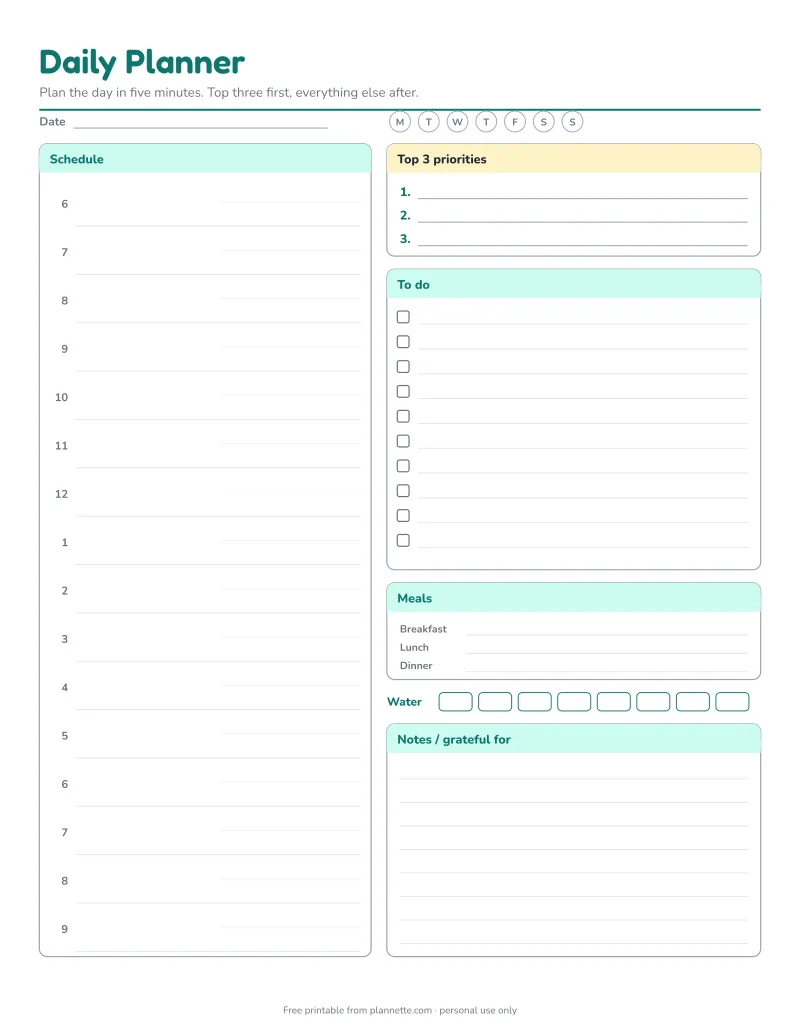
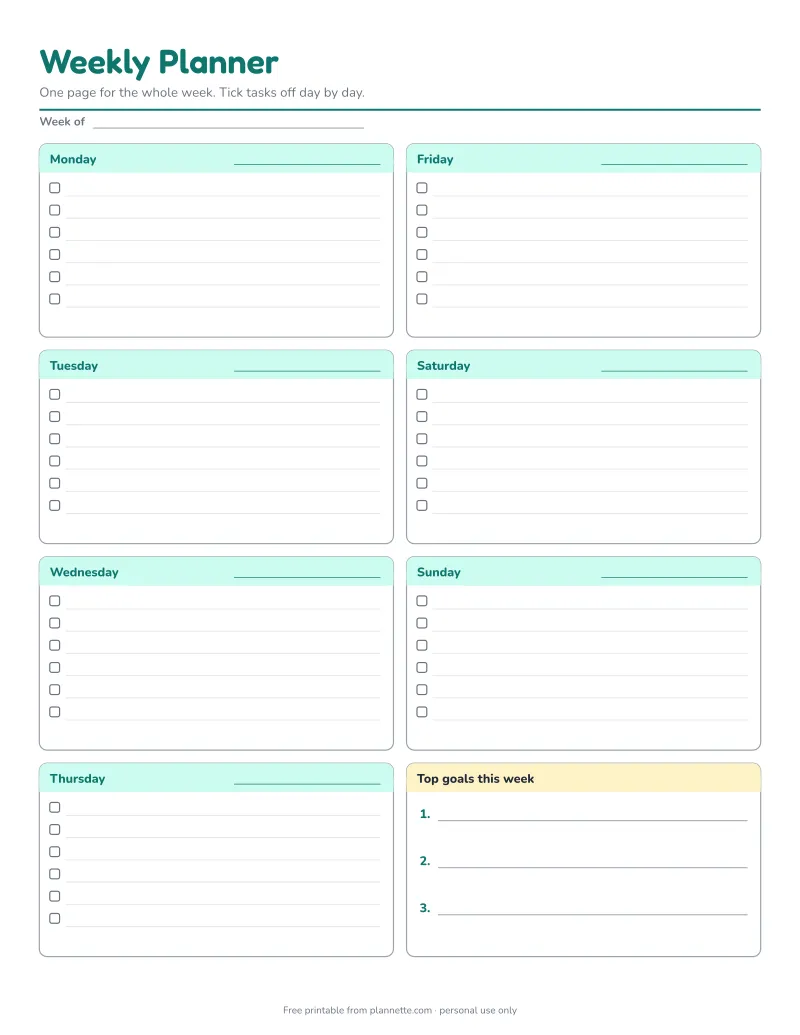
To see your whole week, use the weekly planner. To plan a single day hour by hour, try the daily planner.
Questions
How do I decide what goes in the top 3?
Ask which tasks would cause the most trouble if they were not done today, or which ones move a bigger goal forward. Those go first.
What is the "later / someday" box for?
Ideas and tasks that are not urgent. Writing them down clears your head without crowding today's list. Review the box once a week.
Should I make a new list every day?
A new list each day or two works well. Copy unfinished must-dos forward and cross out anything that no longer matters.